
Oakland VINELink Search Coverage
Michigan calls the service MI-VINE. It is a free and confidential system available around the clock. State material describes custody and court notifications for release, transfer, escape, hearings, case status, and disposition. The program connects participating county-jail information with Michigan Department of Corrections records. Oakland County’s victim-information page directs local users to the same statewide service.
That coverage joins two systems but does not erase their differences. An Oakland County Jail record concerns a county booking. An MDOC record concerns state prison, parole, probation, or discharge within the state corrections system. Someone released on bond or after a jail-only sentence may never appear in the MDOC offender database. VINELink helps follow a selected custody record, while the source agency remains responsible for the underlying event.
The official MI-VINE information page shown below identifies Michigan’s service and notification role.
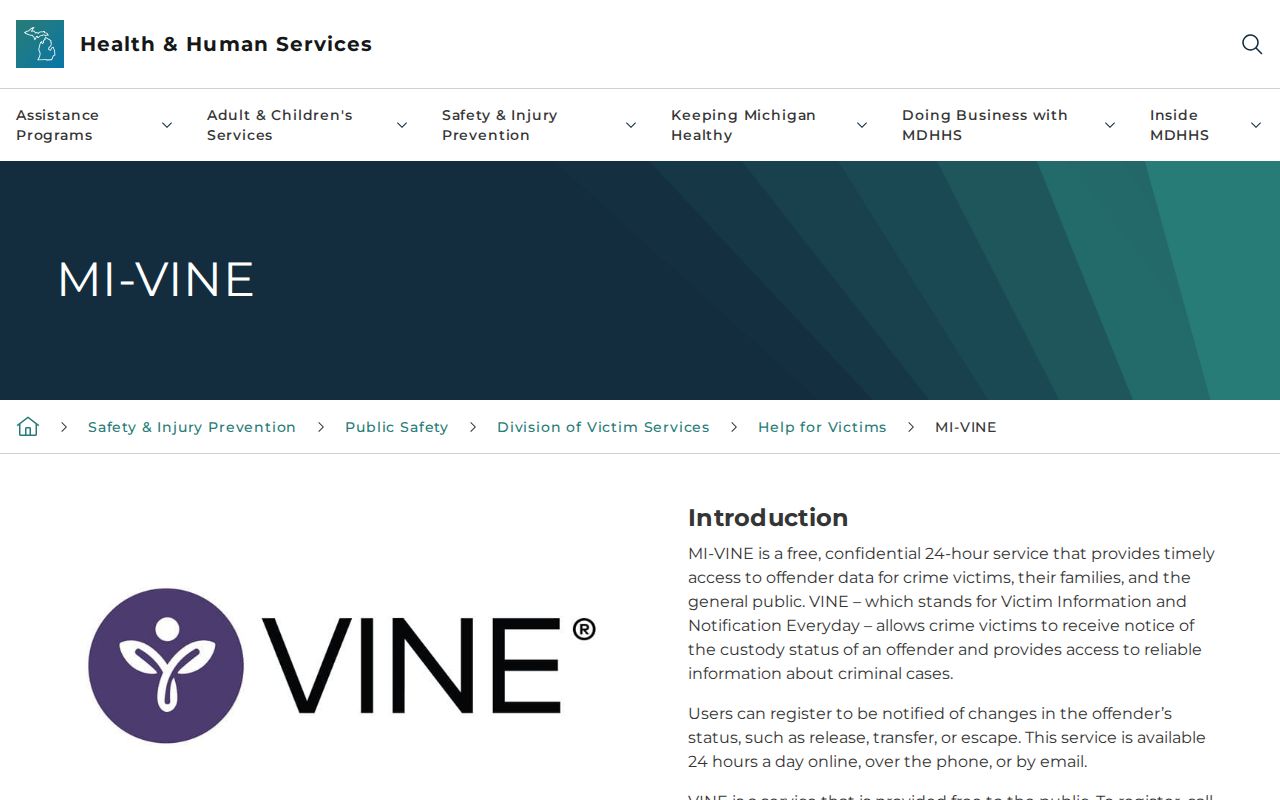
The state page is the policy and contact source; the person search itself takes place through VINELink.
Note: MI-VINE combines participating county and state event channels, but the selected jurisdiction still determines which custody record is being read.
Search an Oakland Inmate
Use a name plus an identifier when possible. A common name alone can lead to the wrong record, so compare the jurisdiction, offender or booking number, and any other displayed match details before opening a result.
- Open VINELink and select Michigan.
- Choose the custody search and the relevant jurisdiction or record type. Use Oakland County Jail for a local booking and the state record for MDOC custody.
- Enter the person’s name and, when available, the offender ID or booking number.
- Compare available identifiers and do not choose a result only because its name looks familiar.
- Open the matching record and read the exact status. Note the time of the lookup.
- If the status says released or out of custody, confirm whether the event was a community release or a transfer.
A no-match result is narrow. The spelling may differ, the wrong jurisdiction may be selected, a local feed may lag, or a released result may no longer be displayed. Michigan does not promise a set post-release display period. The broader Oakland County released-inmate search on Home routes older or unmatched cases through OCSO, courts, OTIS, BOP, and ICE.
Oakland VINELink Release Fields
VINELink is an event and status service rather than a full booking file. Its useful fields establish which record was selected, the jurisdiction involved, and the custody status reported at that moment.
| Field or item | How to read it |
|---|---|
| Offender name | The displayed person name; compare it with other identifiers before relying on the match. |
| ID or booking number | A stronger match key than name alone and useful when contacting the holding agency. |
| Jurisdiction or record | The county jail or state corrections source tied to the status. |
| Current custody status | The exact VINE wording at the lookup time, such as an in-custody or released change. |
| Notification event | The type of event that prompted notice, which may be release, transfer, escape, or a court change. |
| Contact channel | The registered phone, text, email, or supported app/account method. |
VINELink does not replace the full Oakland booking/release record. A release alert can document that VINE reported a custody change, but it does not necessarily show the release reason, destination, court authority, or every hold. Preserve the exact event wording. “Transfer” is not “release,” and leaving one agency can lead directly to custody under another.
The VINELink Michigan search interface appears in the captured view below. It illustrates the specific-person search path without substituting a stored image for a current search.
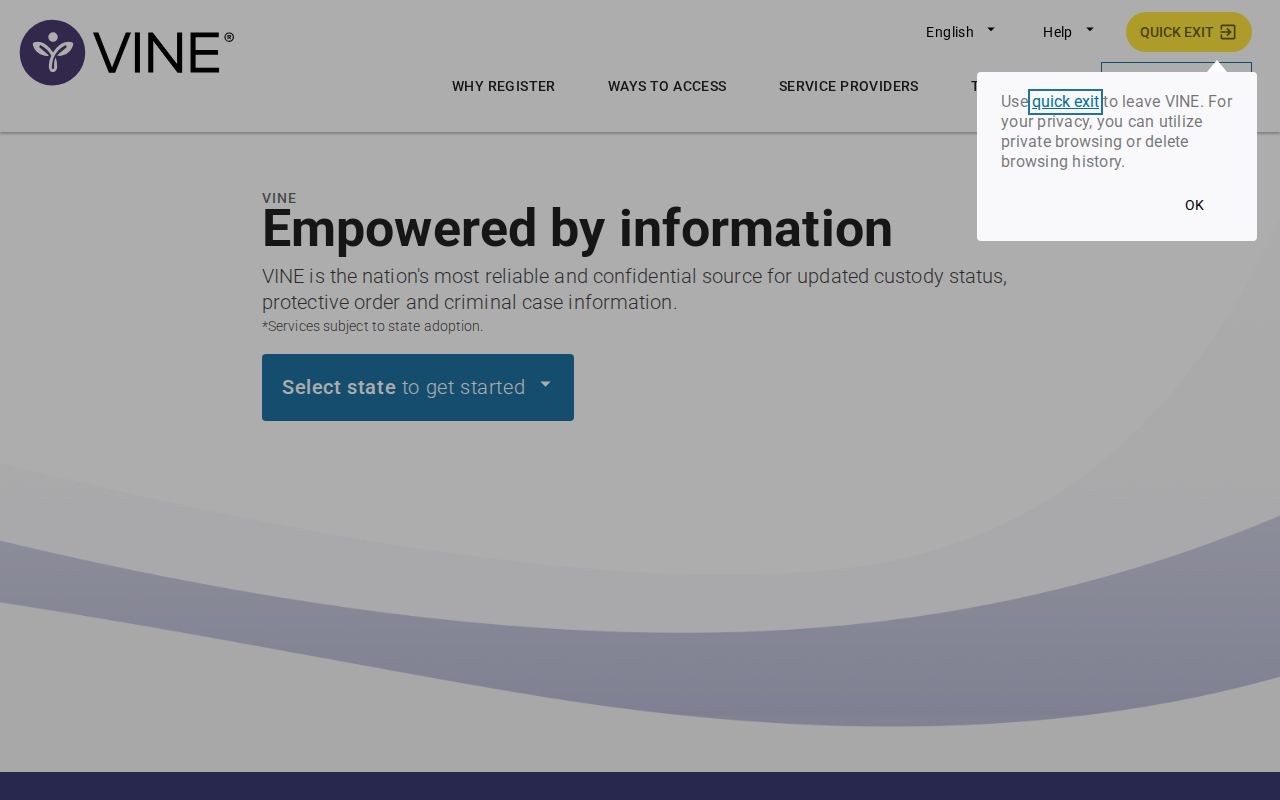
Use the live form to choose Michigan and enter the current person details, then verify any match against the correct custody system.
Register Oakland Release Notifications
Registration begins from a matching in-custody record. Choose the event and contact method offered for that record. A private number or address is better than a shared switchboard that may not accept or confirm the notice.
- Open the matching custody record and select its notification or registration control.
- Choose phone, text, email, or a supported app or account channel.
- For a phone call, enter the number and create a four-digit PIN that can be recalled but is not easy to guess.
- Complete any phone or email verification. An account may require a username, password, and verified contact method.
- When a call arrives, listen to the message and enter the four-digit PIN followed by the pound sign. This confirms receipt and stops repeat calls for that event.
- For text or email, complete the confirmation process shown instead of using the telephone PIN response.
The current Michigan brochure says an unanswered call may be retried until confirmation or for up to 24 hours. If the PIN is lost, call 800-770-7657, press 0, and ask the 24-hour operator to reset or cancel it. Older instructions used a different retry period, so the current state material should control.
Choose events with the selected record in mind. A county jail notice can mark release, transfer, escape, or another custody change. Court notifications can concern a hearing, case status, or disposition and should not be read as proof that jail staff completed a physical exit. State corrections events may involve prison movement or parole. When a notice arrives, save its exact wording and time, then open the source record again. If the person was expected to leave Oakland County Jail, compare CLEMIS and ask OCSO what disposition closed the booking. If the record belongs to MDOC, compare OTIS Current Status, Date Paroled, and Discharge Date. This event-by-event method keeps one alert from being stretched beyond what MI-VINE actually reported.
Note: Keep the PIN private, but make sure the registered phone can receive an automated call and the pound-key confirmation when one arrives.
Oakland VINE and CLEMIS Link
Oakland has a local reason to use MI-VINE and the jail system together. The county describes its CLEMIS Jail Management System as integrating booking, bonding and release work, PictureLink, property and clothing functions, and VINE notifications. The sheriff also maintains a local victim-information page that points residents to VINE.
This integration makes the sources complementary. MI-VINE can send the event alert. The CLEMIS public locator can show a current jail record or a recent release row. OCSO Inmate Information and Records can then answer whether the booking ended in community release or transfer and can provide the existing release record when appropriate. A court docket adds the bond, dismissal, sentence, or other legal action.
Use the alert as a prompt for that second check. It is timely evidence that a system event occurred, but it is not a permanent Oakland release ledger. A notice should retain its received time and exact event text so “released” does not later become an unsupported claim about where the person went.
Confirm Oakland VINELink Releases
For an Oakland County Jail event, check CLEMIS and contact OCSO Inmate Information at 248-858-1800 or PrisonerInfo@oakgov.com. Give the full name, date of birth or inmate number if known, and approximate booking date. Ask whether the event ended the booking and whether staff recorded release or transfer. For a formal account, request the public booking/release record through the OCSO Records Unit.
Next read the court that controlled the charge. Oakland felonies start in district court and move to Sixth Circuit after bindover. Misdemeanors stay in the applicable district court. Look for the bond order, dismissal, judgment of sentence, probation order, remand, commitment, or discharge entry. A court record explains legal authority but may not contain the minute of physical exit.
For an MDOC event, use OTIS. “Date Paroled” is the date the person left state prison for supervision. “Discharged” and “Discharge Date” indicate the later end of MDOC jurisdiction. An earliest release or Parole Board jurisdiction date is an eligibility field, not proof of release. OTIS excludes county-jail-only cases and retains discharged profiles for a limited three-year period.
Note: An Oakland jail release, an MDOC parole date, and an MDOC discharge date are separate events and should never be merged.
Oakland VINELink Search Limits
VINELink does not cover all federal custody. A sentenced federal prisoner belongs in the BOP locator, which can display a release date and “Released” or “Not in BOP Custody.” Those phrases show only departure from BOP custody. Federal supervised release, another jurisdiction, or immigration custody may follow. USMS manages federal pretrial custody but has no public inmate locator, so use the federal court docket and authorized contacts.
ICE custody uses the Online Detainee Locator System. An Oakland jail event can be a handoff to ICE rather than community release. When the facts suggest immigration custody, search ICE with the required identity details and use its reporting line if an exact-match or transfer issue remains unresolved. None of these federal paths should be searched inside MI-VINE as if it were a universal locator.
Oakland Release Status Terms
Short labels can hide major differences. Read the source system’s own words and resist turning a negative search into a broad conclusion.
- Release alert
- A notice that VINE reported a release-type event for the selected record; confirm the destination.
- Transfer
- A move from one agency or facility to another, with custody continuing.
- Parole
- Release from state prison into the community while MDOC legal custody and supervision continue.
- Discharge
- The end of MDOC jurisdiction for the sentence shown in OTIS.
- No match
- A search result that can reflect spelling, jurisdiction, feed, lag, or retention limits rather than proof of no custody history.
A released result may disappear because Michigan provides no guaranteed post-release VINELink display period. Preserve only what is needed, including the search time and exact source. For an old Oakland case, use the court and records office rather than expecting a live alert service to supply a permanent history.
There is also a difference between a missed alert and a missing event. A phone line may fail, an email may be filtered, or a contact method may not finish verification. That does not prove custody stayed the same. Open the matching record, check the source agency, and use the MI-VINE operator when registration or PIN issues remain. For future notices, review the saved contact channel and confirm it can receive automated messages. The notification system is most useful when its delivery path and the official custody record are checked together.